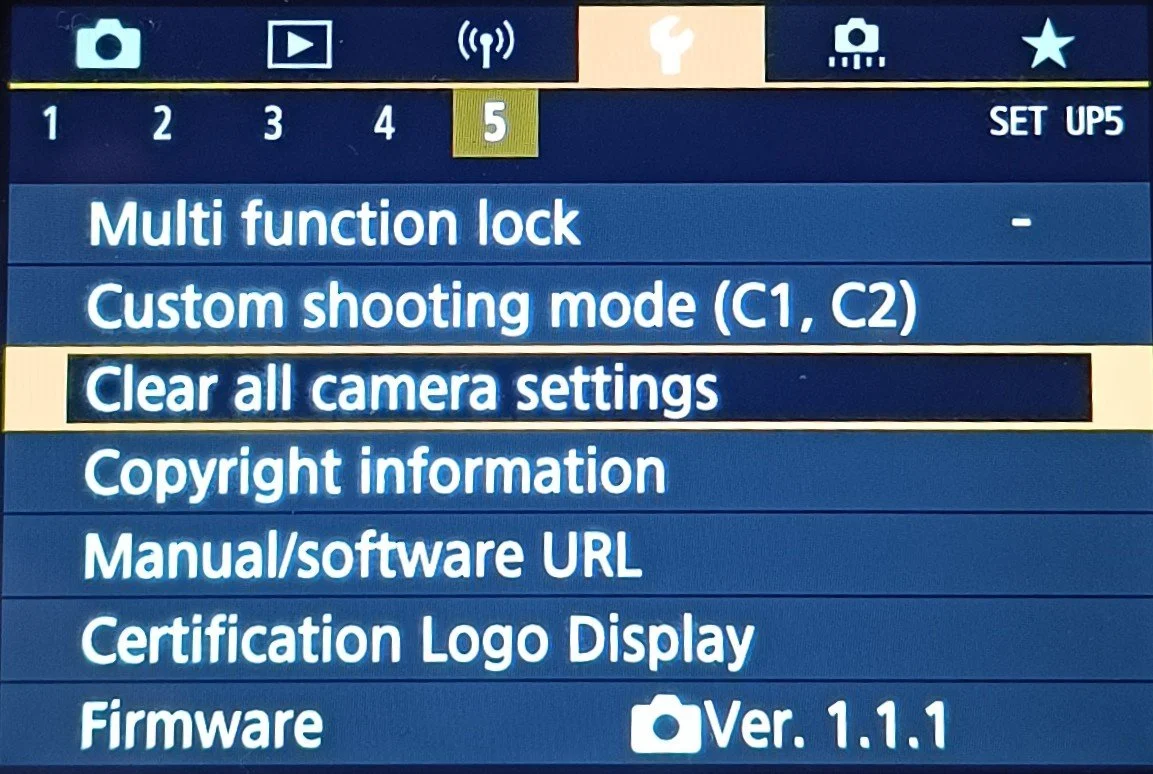
Clear All Camera Settings
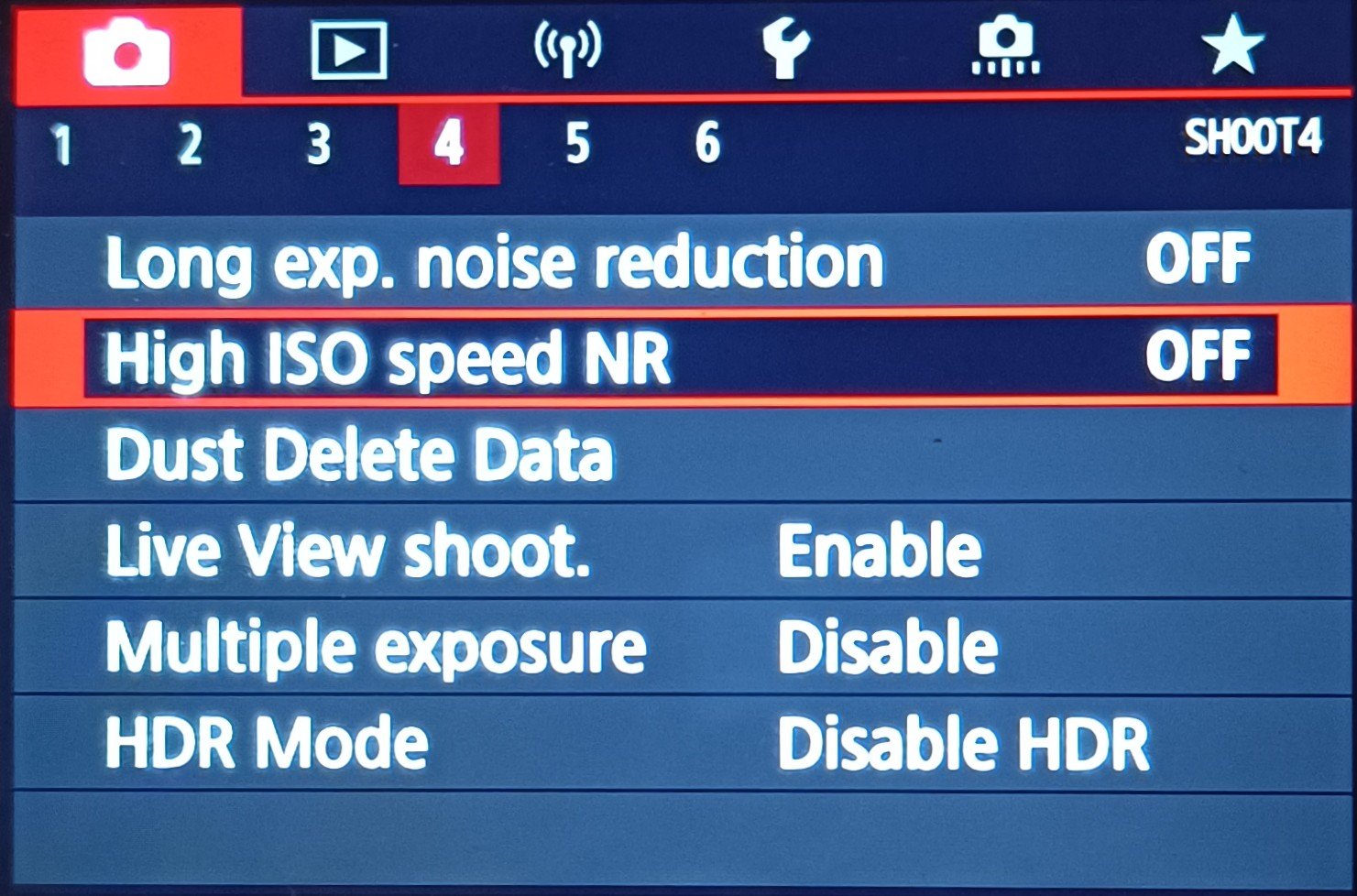
High ISO Speed NR
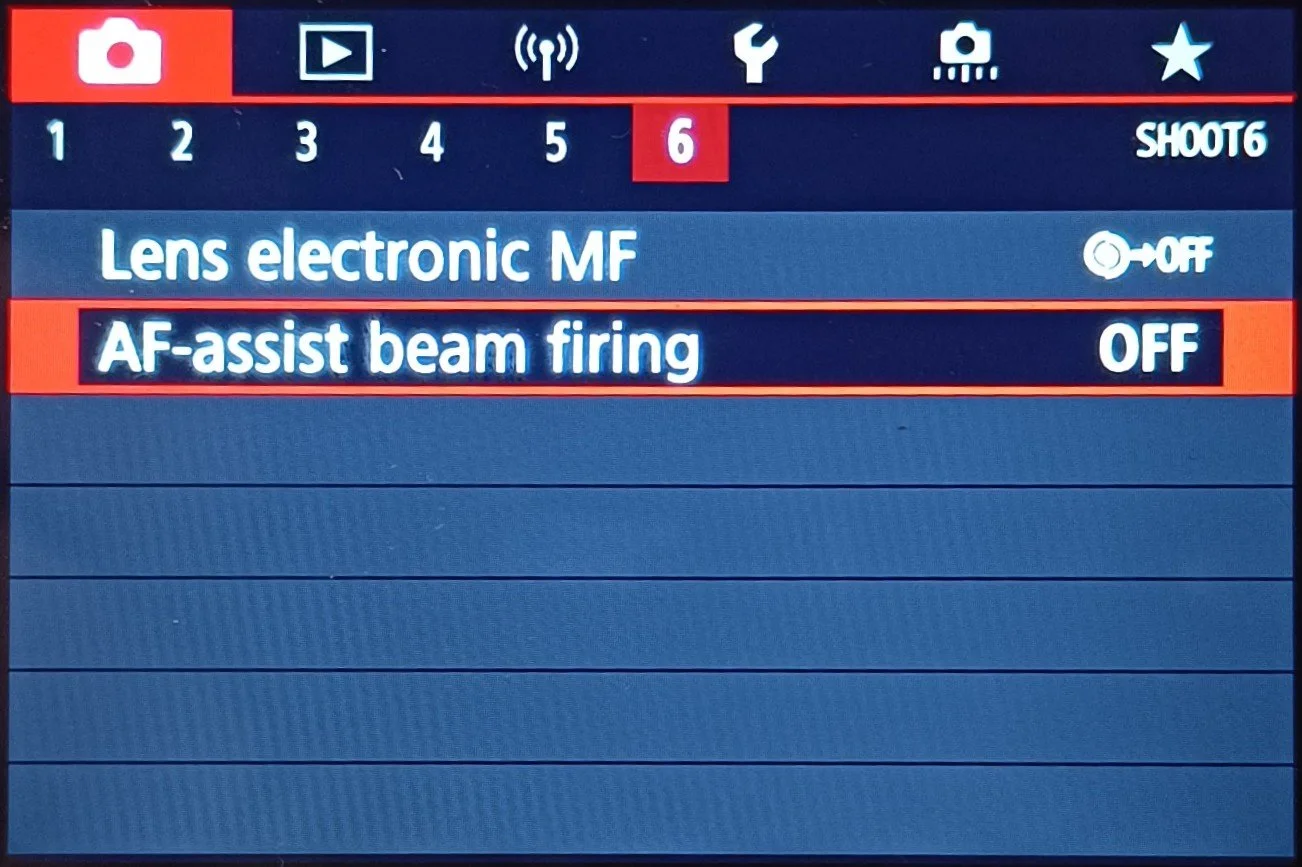
AF-Assist Beam Firing
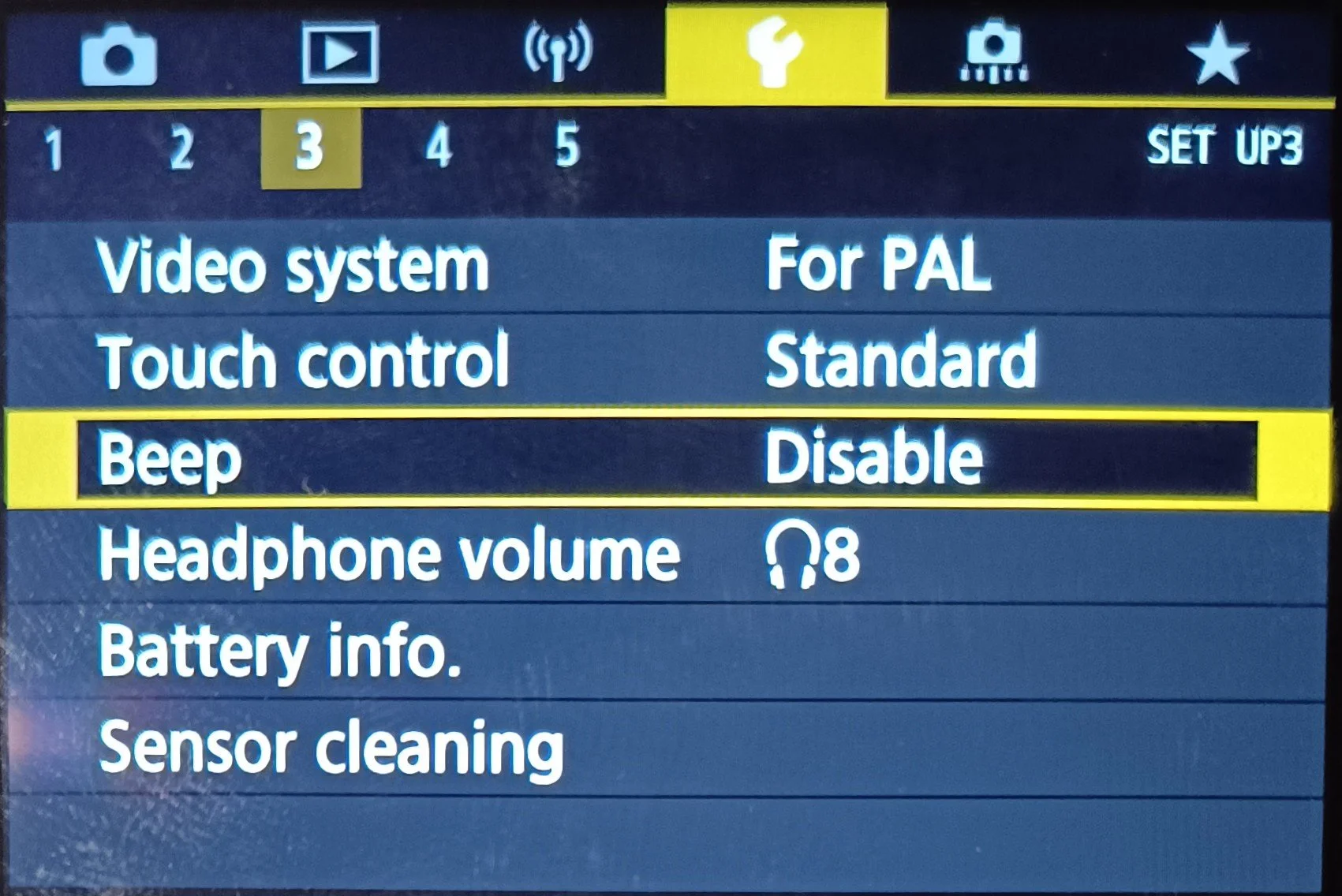
All Sounds Off
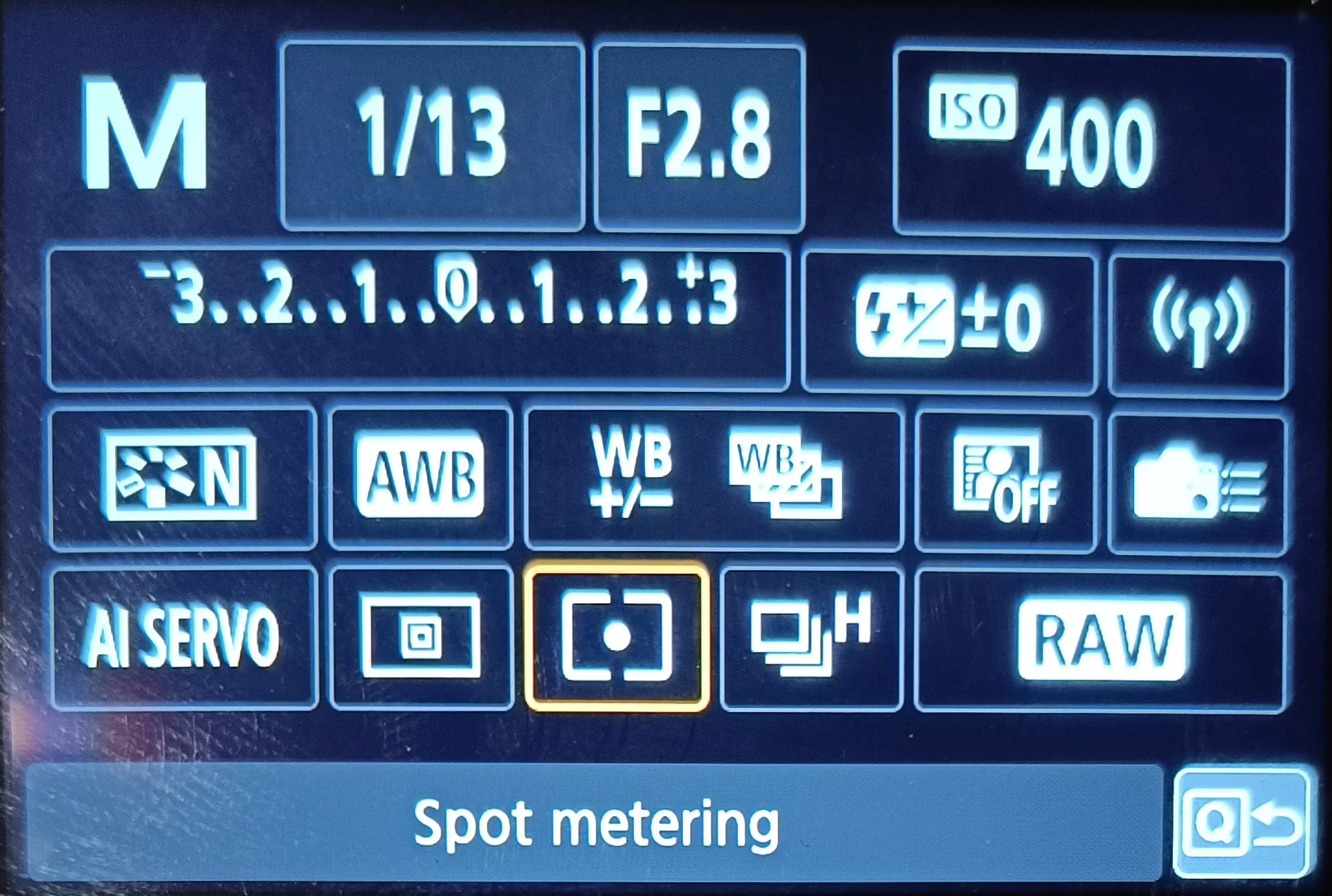
Spot Metering On
Spot Focus On
Natural Image Quality
Image Super fine
Picture Style (Natural, Only JPG)
Drive Mode
Canon 90D Settings (Wildlife)
To make sure there is nothing wrong with the camera we need to start with a reset. Resetting the camera settings on a Canon 90D via the "Clear all camera settings" menu, returns all settings to default, such as Picture Styles, metering modes, AF settings, and other custom functions, to the factory state; however, it does not delete image files or format (does not format the memory card) but Bluetooth/Wi-Fi connections may need to be reset on both the camera and paired devices.
1.
Turn off all noise reduction, Some cameras will have this option enabled as standard and will heavily reduse noise, and Canon is one off them. if this option is not turned of it can heavily reduse details for example in a bird's feathers
2.
Turn off focus assist. There's a little light in front of the camera that turns on when its dark to help with focusing, It easily scares animal wen it turns on so whe need to turn that light off.
3.
Turn off all sounds; there is a confirmation focus beep. It will scare the wildlife
4.
Spot Metering On, Set it on Spot Metering Exposure
5.
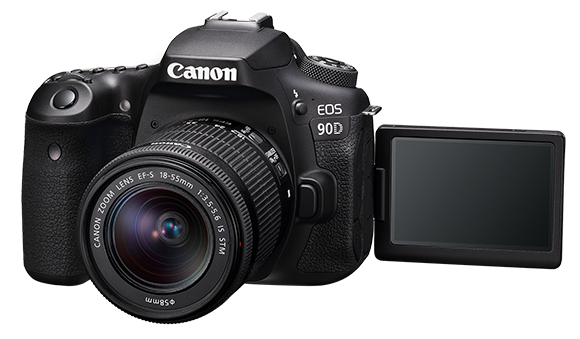
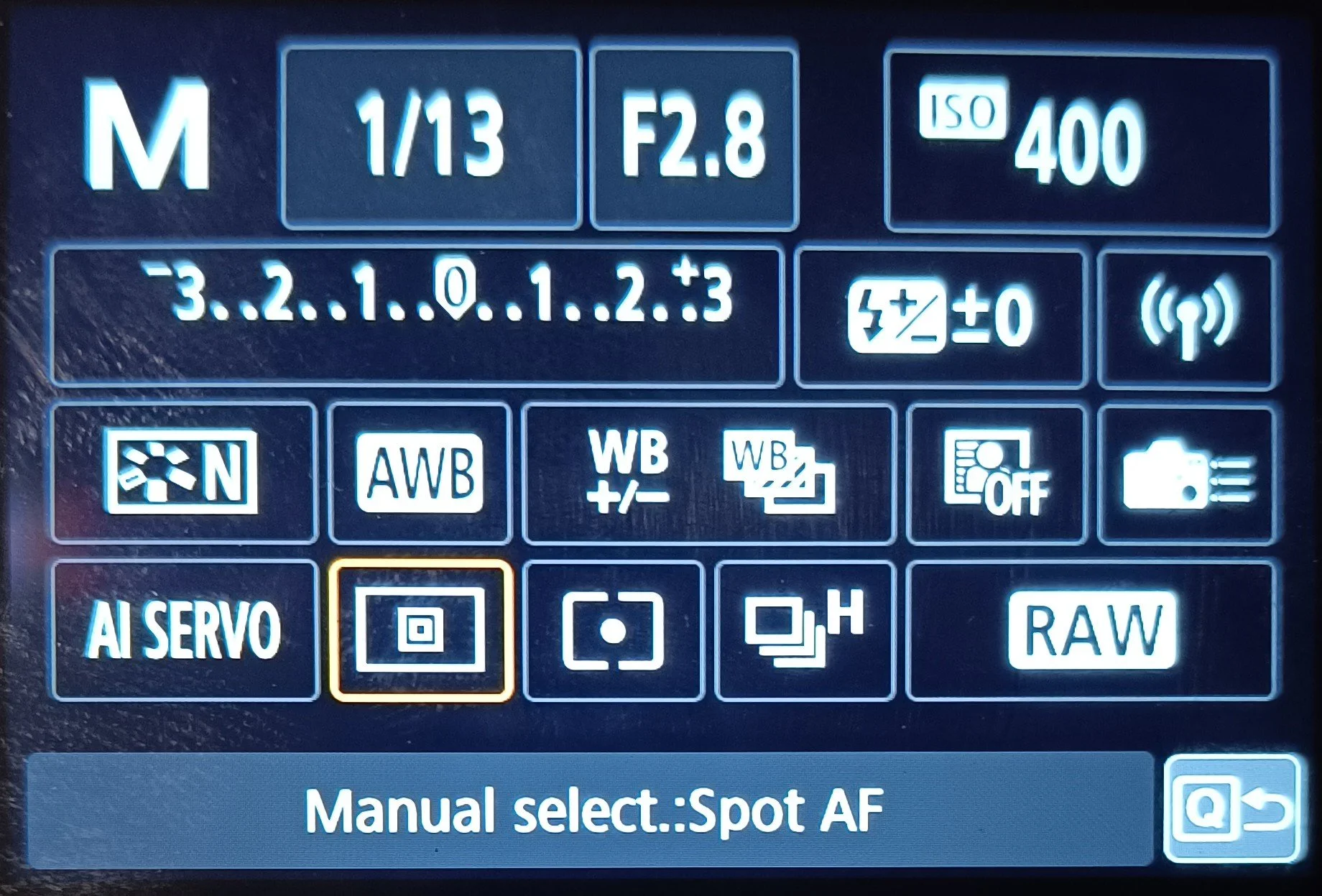
Spot Autofocus, put it on Spot Focus. Spot focus is a absolut must! if you have a small bird anfocus on the body insted of the i it will be out of focus most of the time
6.